Browse documentation

Type to search the documentation. Press Esc to close.

How do I choose a card design in Scribble?

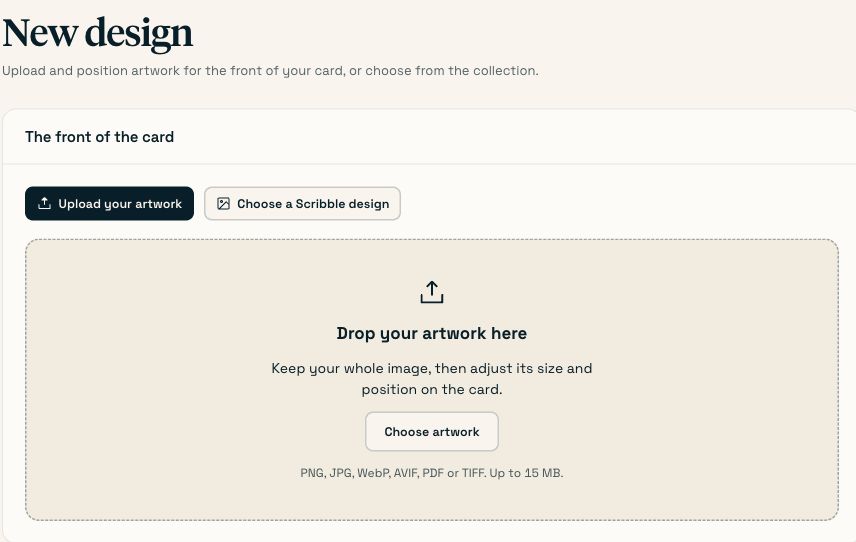
Go to Designs → New design and either pick a card from the catalogue or upload your own front artwork. Name it after the occasion and the year, because you will be looking for it next December. A design can then be picked in any campaign or automation.

On this page

#What a design is

Two things, saved together: the artwork on the front of the card, and the layout of the inside. Everything else — the recipient, the message, the handwriting — is decided per campaign or per rule.

  1. Open Designs

    Designs → New design.

  2. Pick the front

    Start from our catalogue gives you the full Scribble card range, the same one the consumer store sells from.

    Upload your own artwork takes a print-ready file. See uploading your own artwork.

  3. Name it for next year

    Holiday 2026 — clients, not Design 3. You will be searching for this in eleven months.

  4. Add a note for your team

    The description field is where Approved by marketing. Not for prospects. goes. Anyone in your organisation can pick this design; the note is how they know whether they should.

  5. Mark it as a template, if it is one

    Templates show up first when anyone in your organisation starts a campaign. Use it for the two or three designs you actually want people reaching for.

  6. Lay out the inside

    After saving you land on the inside editor. See the inside of the card. Leaving it blank is fine — the merged message alone is a perfectly good card.

    You’ll know it worked when The design appears in the Designs list and in the picker on step 3 of the campaign wizard.

#Editing and retiring designs

  • Designs are archived, never deleted. Every card ever sent points at the design that made it, so a retired design stays resolvable from an order three years old — it just leaves the pickers.
  • To change a design for next year without disturbing the history, duplicate it and edit the copy.
  • The Designs list shows how many times each design has been used and when it was last used.

#Common questions

Can different teams have different designs?
Yes. Designs belong to the organisation and anyone can pick any of them. Use the description note and the template flag to steer people rather than trying to hide designs from each other.
Do I have to create a design before I can send anything?
No. You can pick straight from the catalogue inside the campaign wizard. A saved design is worth making once you want the same card twice.
Can I use a different design per recipient in one campaign?
No. One campaign, one design. Split the run into two campaigns if you need two cards.

Last checked against the product on . Something wrong or missing? Tell us.