
From a conversation to a card
A handwritten card, with a little help from your assistant.
Find a contact, choose a card and draft your handwritten notes. Connect Scribble to your AI assistant, review what you want to send, and we’ll write it in pen and post it.
https://scribblecards.com/api/mcpFree to connect. One credit per card, including US postage.
Get it ready.
Give it a read.
Then send it.
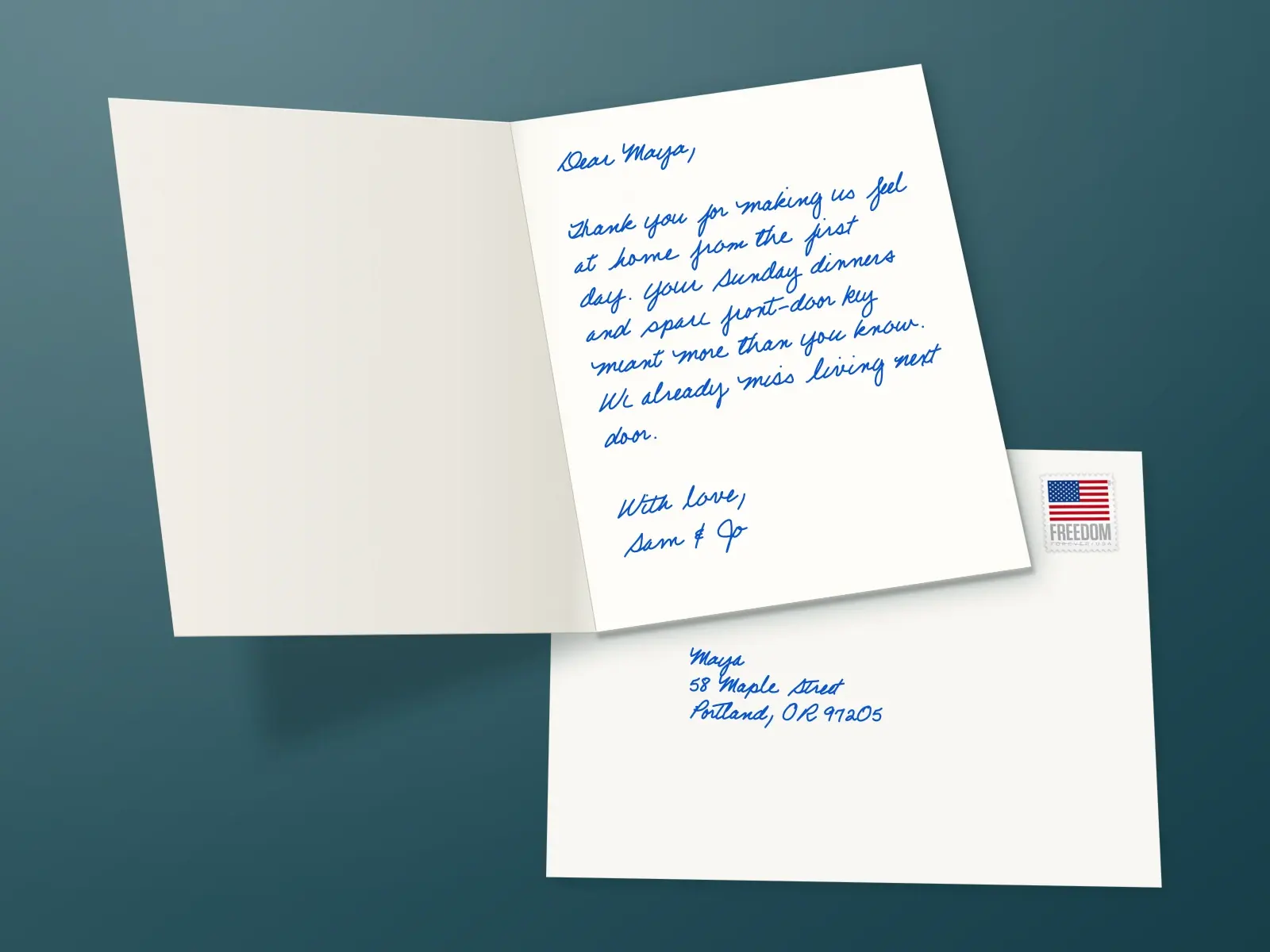
Ask your assistant to show you the printed front and a preview of the inside. The handwriting preview uses the same pen paths we use to write your card.
- Choose from the full card collection or your saved designs.
- Find saved contacts and check their addresses.
- Draft one card or prepare a mailing for a list.
- Check your balance and follow cards you’ve sent.
Keep your assistant’s send confirmations on. For help with drafting only, connect without the send permission.
See what you can ask for- You
Help me write a thank-you to Dana for introducing me to Ravi. Show me the card before sending.
- Your assistant
Here’s a draft. Which thank-you card would you like?
Dana, thank you for introducing me to Ravi. We had a great conversation. I owe you lunch!
Alex - You
Use the card I picked, in Beatrice handwriting.
- Your assistant
Here are the front and handwriting previews. Please check Dana’s saved address and the message. This will use one credit. Ready to send?
- You
Yes, send this card to Dana.
- Your assistant
Submitted. Here’s the order link and estimated arrival window.
Illustrative example. Your assistant’s preview and confirmation controls may look different.
Connect the assistant you already use.
Scribble uses MCP, a standard that lets assistants work with other services. Choose your guide below. You’ll sign in to Scribble and choose the space and permissions for this connection.
Your client needs remote MCP with Streamable HTTP and OAuth sign-in. Availability can depend on your plan or workspace settings.
What does it cost?
Connecting is free. Sending uses one prepaid Scribble credit per card, including the card, envelope, handwriting and US postage. Looking up contacts, checking your balance and previewing a card use no credits. Your assistant cannot buy credits for you.
Which cards can I choose?
Any active card in our public collection, including cards for work and personal occasions. Your assistant can also use designs saved in the space you connect. Ask to see the front before you choose.
Will it ask me before sending?
That depends on your assistant's confirmation settings. Scribble marks sending as an action that spends credits, but it does not collect a separate approval for each single card. Keep confirmations on and ask to review the recipient, card, message and cost. For drafting only, leave the send permission unticked when you connect.
What information does Scribble receive?
Scribble receives the information your assistant includes in its tool calls, such as a contact search, a recipient's address or the message to write. Our server does not request your chat history. Your assistant can access permitted tools in the space you connect; billing details and API keys are not available through those tools.
Can I disconnect later?
Yes. Open Integrations in Scribble and disconnect the assistant. Its next request will be refused. Disconnecting does not cancel cards you have already sent.