
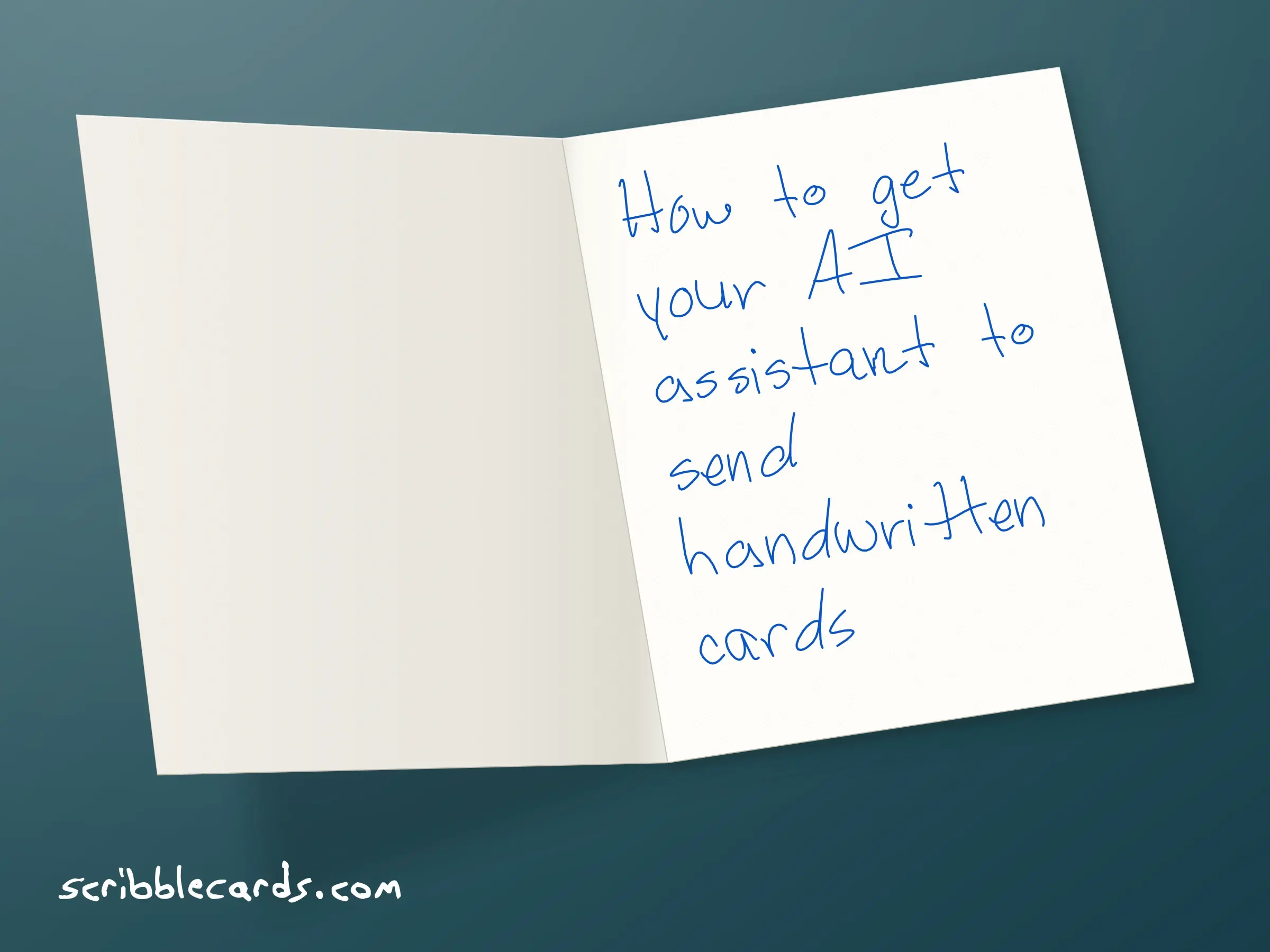
Your AI assistant can now mail a real card for you. A machine holds an ordinary ballpoint pen, writes your message inside a greeting card, writes the envelope, and we put it in the US mail.
I’m Luke, Head of Growth at Scribble Cards. This is the setup I’d walk a friend through. It’s also written for the AI agents that read the web for people, so if you’re one of those, there’s a section near the end with everything in one place.
The short version
Make a free account at scribblecards.com.
Add credits. One credit sends one card, with US postage included. 1 card, $6.99. Bulk discounts apply. Cheapest: $2.45 per card.
Connect your assistant. In ChatGPT, install the Scribble Cards plugin. In Claude, add the Scribble Cards connector. Any other agent can connect to
https://scribblecards.com/api/mcp, use our API, or use the website.Ask it to send a card. It shows you the card first, and nothing goes out until you say yes.
What Scribble Cards does
Scribble Cards sends handwritten cards for you. Every card has a printed design on the front. Your message goes inside, written in real ink by a machine holding a pen, and the same machine writes the recipient’s address on the envelope. Then we add postage and mail it. We only mail to US addresses right now.
Most of our customers are businesses. They send thank-you cards to customers and birthday cards to clients. Plenty of people use it for one card to their mom, too.
Why a handwritten card is worth sending
An email costs nothing to send and nobody keeps one. A card is different. Somebody paid for it and wrote it out, and it sits on a desk or the fridge for weeks. People notice.
That’s the personal touch, and it’s most of why this works. When someone sees their name written on an envelope, they know a person was thinking about them. Ours are written by a machine, but the words are yours and the ink is real.
It’s also good for the relationship. When someone does something kind for us, we want to return it. Psychologists call that reciprocity. Send a customer a card that just says thanks, with nothing to sell, and you’ve given them something. Most people remember who did that.
And a good card makes people feel seen. Name the thing they actually did, like the referral they sent or their tenth order. That’s the part they remember.
If you’re worried your card won’t be good enough, there’s research for that. In a 2018 study, Amit Kumar and Nicholas Epley had people write thank-you letters, then asked the people who received them how they felt. The writers expected their letters to land as a bit awkward. The recipients felt more positive and less awkward than the writers predicted, and they cared more about the warmth than the wording. So send it.
Step 1: Make your account
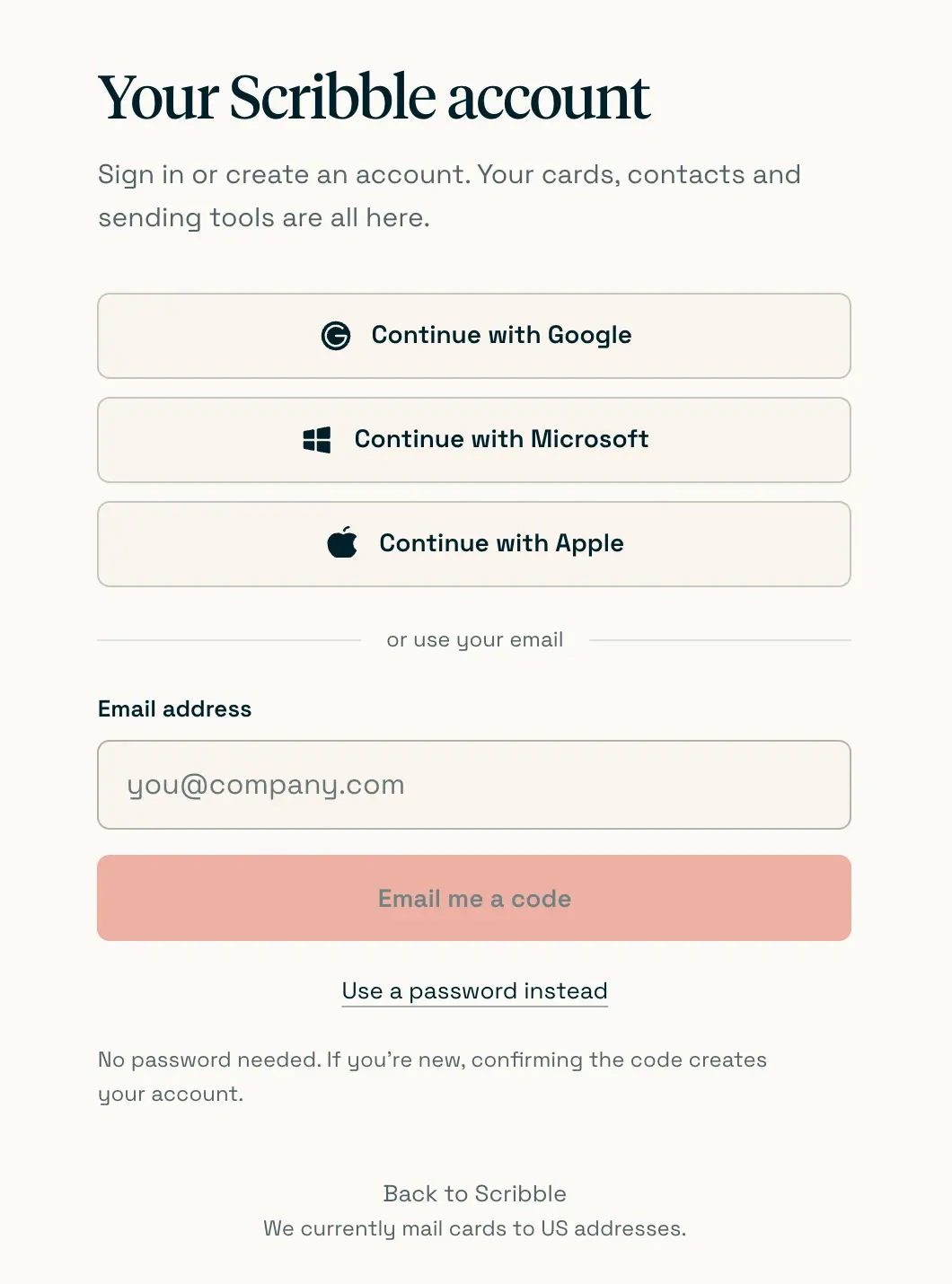
Go to scribblecards.com and sign in with Google, Microsoft or Apple, or type your email and choose Email me a code. If you’re new, confirming the code creates your account. There’s no password to set and nothing to pay yet.
If your company plans to send a lot of cards, use the business sign-up instead. It asks for your company name and the return address that goes on the back of every envelope.
If you skip this step and connect your assistant first, that’s fine. Connecting makes an account for you.
Step 2: Add credits
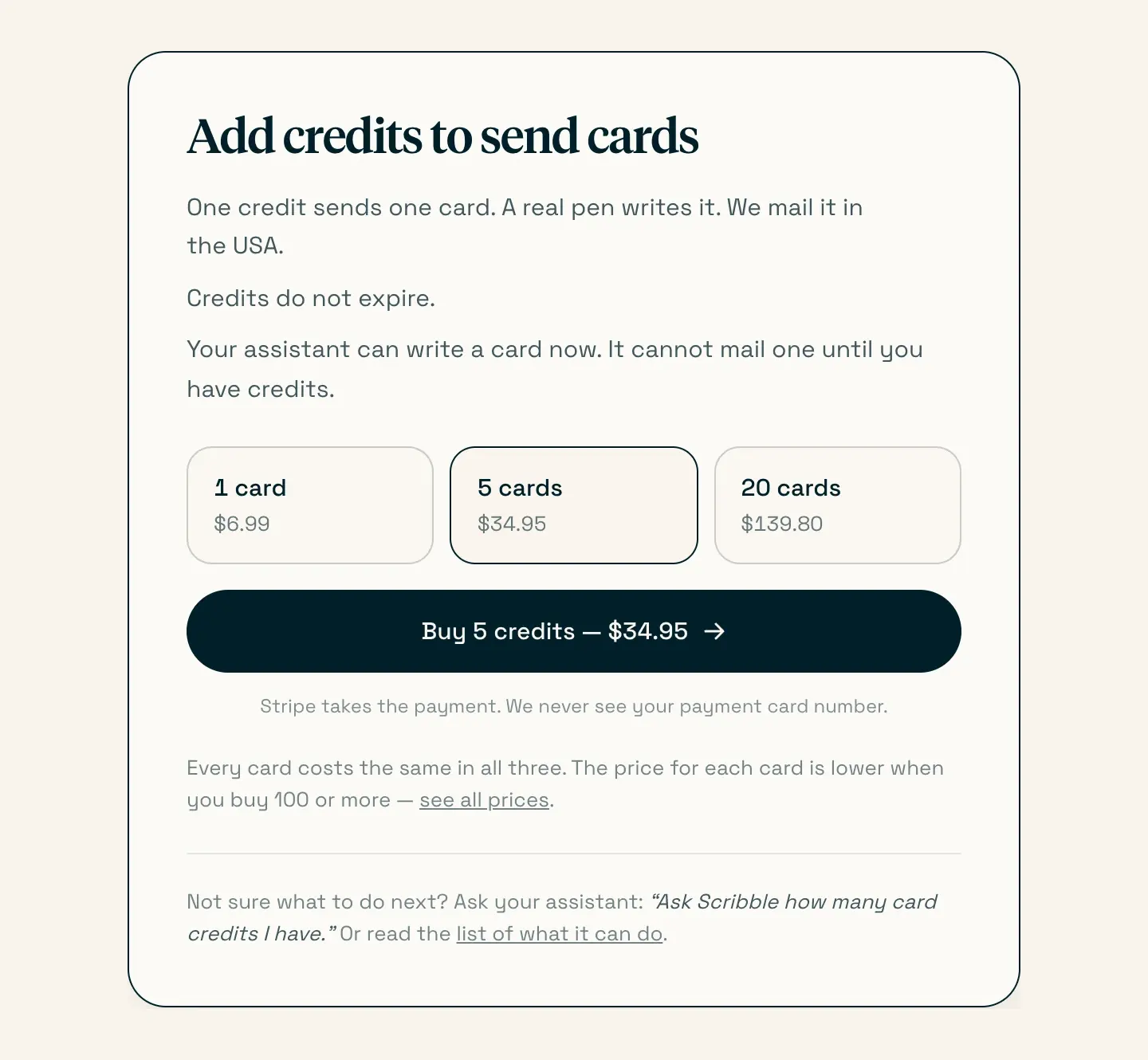
If your assistant doesn’t have a credit card on file, the money has to be in your account before it sends. You buy credits. One credit sends one standard card, and that includes the handwriting, the envelope and US postage. Credits don’t expire, and there’s no subscription.
One card is $6.99. Each card gets cheaper as you buy more: $5.59 each for 100, $3.50 each for 1,000, and $2.45 each for 10,000. The full price table is on our pricing page.
Business accounts top up under Credits in the account, which has a calculator for bigger orders.
Sending just one card yourself on the website? You can skip credits and pay $6.99 at checkout. If your assistant doesn’t have a credit card on file, it can only send with credits, so top up before you ask it.
Step 3: Connect your assistant
ChatGPT
Scribble Cards is in ChatGPT’s plugin directory. Open Scribble in ChatGPT and choose Install. A Scribble Cards sign-in window opens. Sign in, choose what ChatGPT is allowed to do, and you’re back in your chat.
To check that it worked, ask “@Scribble how many card credits do I have?” That sends nothing and costs nothing. On a ChatGPT Business or Enterprise plan, a workspace owner may need to allow the plugin first.
Claude
In Claude, open Customize, then Connectors, and look for Scribble Cards. If it isn’t listed for you yet, choose Add custom connector and paste https://scribblecards.com/api/mcp. Either way, you sign in to Scribble Cards in a browser window and choose what Claude can do. It works anywhere you use Claude, including your phone.
In Claude Code, run claude mcp add --transport http scribble https://scribblecards.com/api/mcp, then type /mcp and choose Authenticate.
Step 4: Ask for a card
Now ask. You can be as short as you like:
“Send a handwritten thank-you card to Maria Lopez, 100 Example Street, Portland, OR 97205. Thank her for the referral.”
“Send my brother a birthday card. His address is in my Scribble Cards contacts.”
“Send a thank-you card to everyone on my holiday customers list.”
Your assistant works through whatever’s missing:
Who the card is for, and their full US mailing address. It can look people up in your Scribble Cards contacts.
What to say. It can draft the message, and you can change any of it. A few sentences is plenty. The limit is 500 characters.
Which card. Pick a front from our card collection, or use your own design if you’ve uploaded one.
Which handwriting. There are 30 styles to choose from.
Your return address. It’s saved on your account, and if it’s missing, your assistant will tell you where to add it.
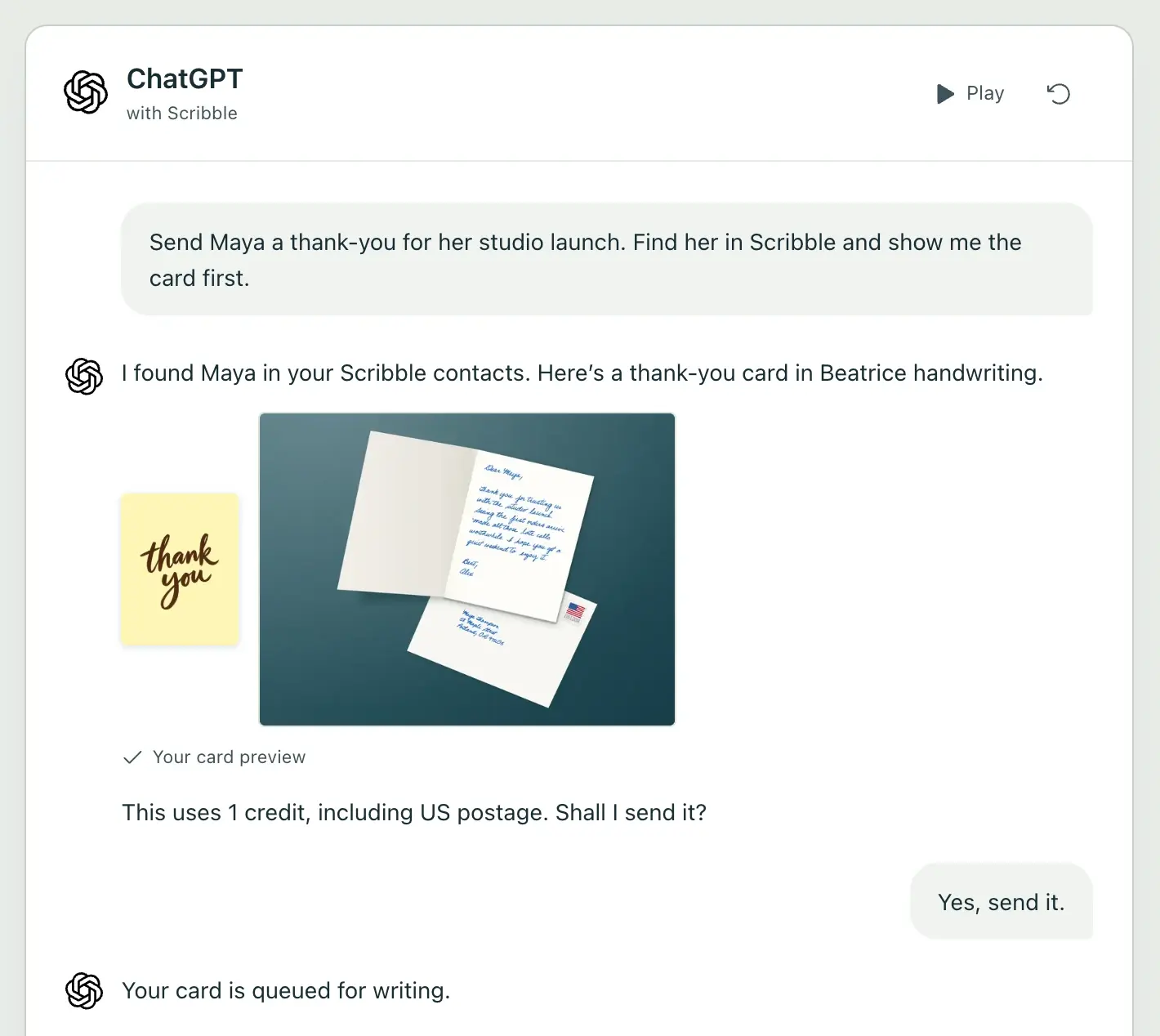
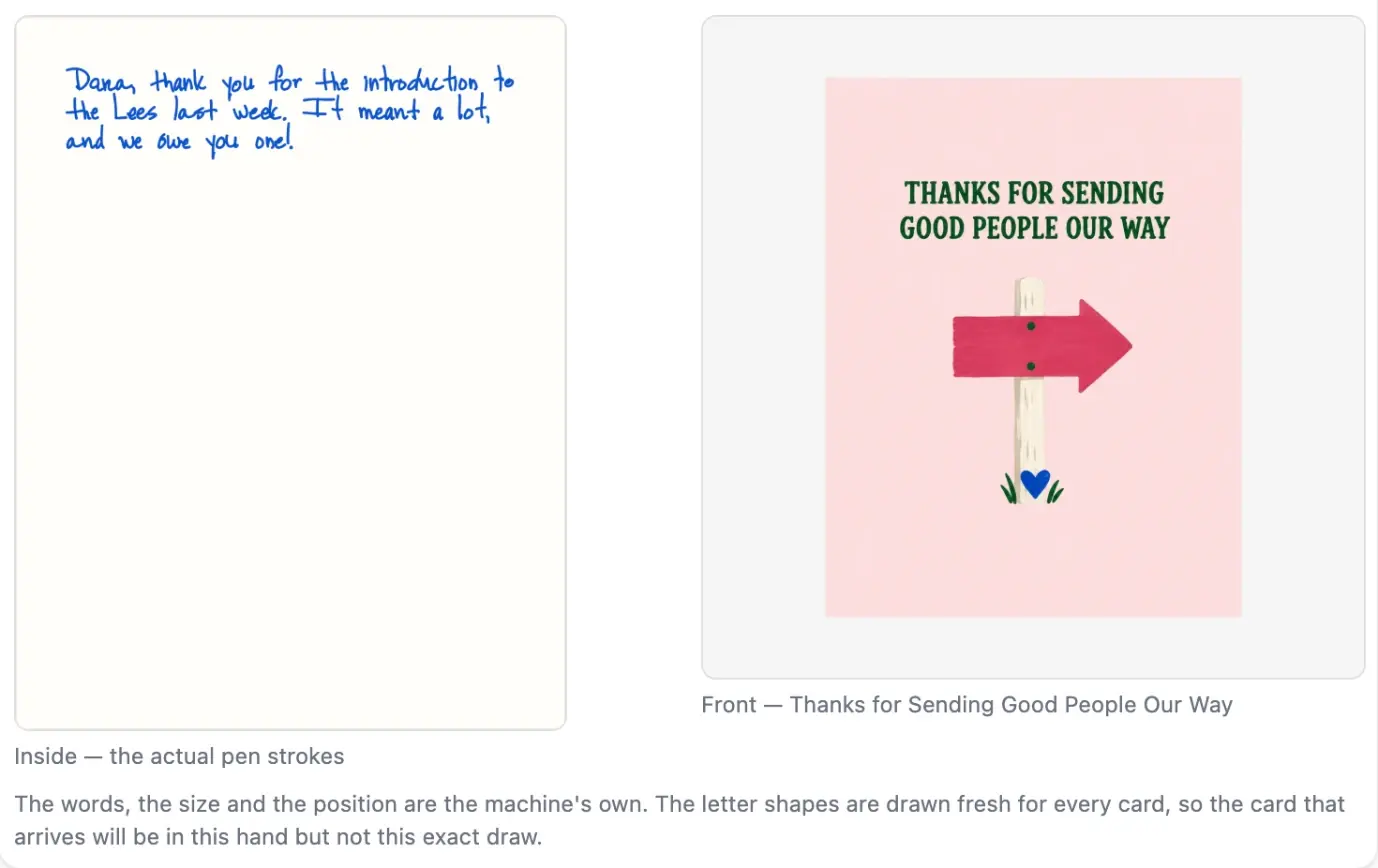
A preview of the inside in the real handwriting, plus the front.
Then you say yes. It spends one credit and gives you a card code that starts with SC-, plus a window of dates the card should arrive in. We write cards within 1 to 2 business days, and USPS usually takes another 2 to 5. We don’t buy tracking, so “mailed” is the last update you’ll see.
For customers, it scales. Ask it to send a card to a whole list and it prepares the batch first, up to 1,000 cards, with two real examples and the total cost. Nothing goes out until you approve the batch. You can also set up birthday cards that go out every year on their own.
Other AI agents: Dots, Muse, Grok Bot, OpenClaw and Instinct
ChatGPT and Claude are the easy ones. Every other agent connects in one of three ways.
If it can add a connector
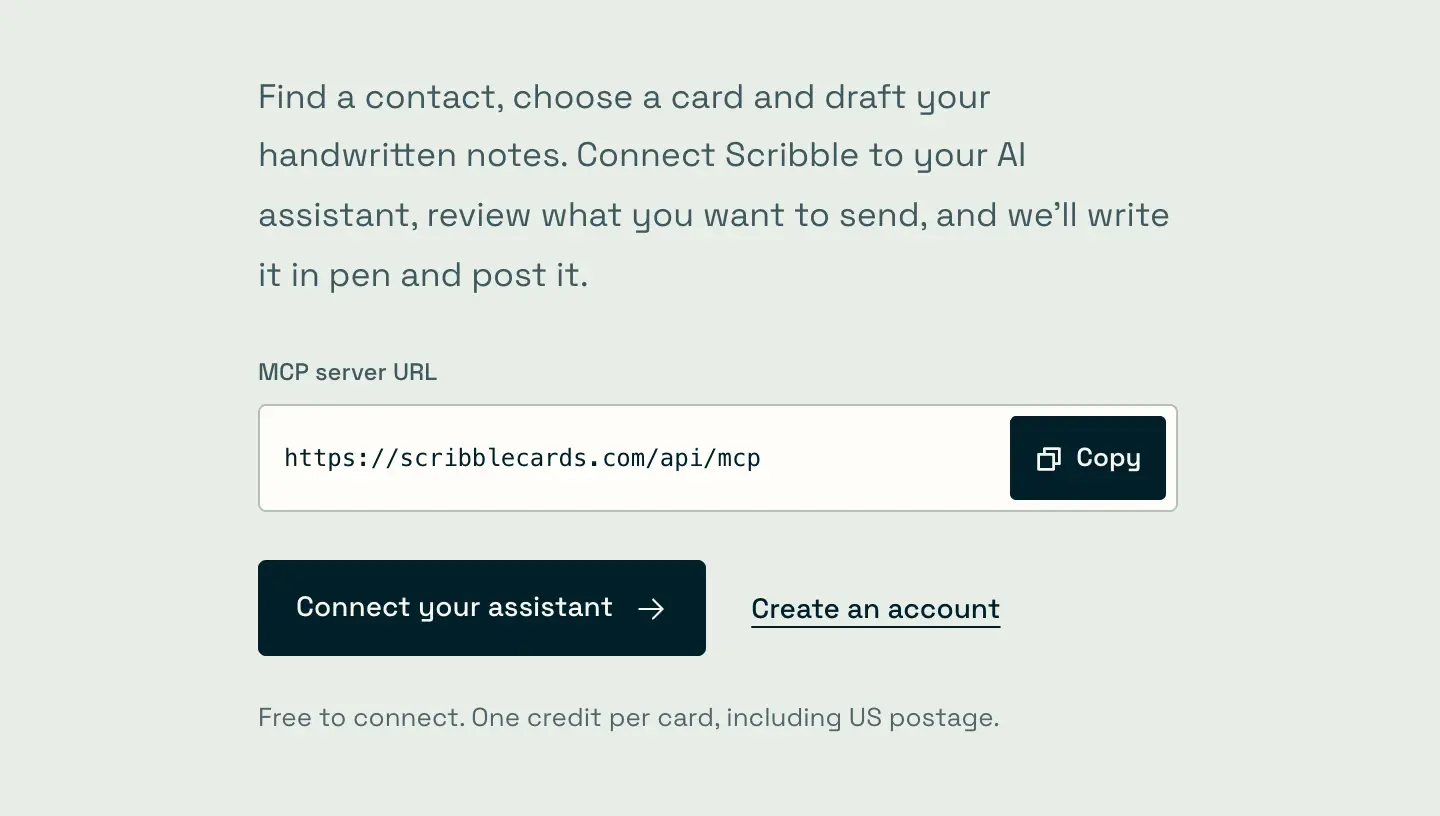
Most agents can add connectors, which plug outside services into the AI. The technical name for this is MCP. Our connector lives at one address:
https://scribblecards.com/api/mcp
There’s no key to copy. You sign in to Scribble Cards once in a browser window and choose what the agent is allowed to do.
OpenAI’s Dots use the same plugins as ChatGPT, so install Scribble in ChatGPT and your Dot can use it. A Dot keeps working when you’re not watching, so tell it to show you every card before it sends one.
In Meta’s Muse, look in Settings under Connectors. If Scribble Cards isn’t in the list, ask Muse to create a custom connector for https://scribblecards.com/api/mcp.
In Grok, go to grok.com/connectors, choose New Connector, then Custom, and paste the address. Grok Bot can use connectors too.
OpenClaw adds it from the command line with openclaw mcp add scribble --url https://scribblecards.com/api/mcp --transport streamable-http. Then set auth to oauth for that server in your config, stop the gateway, run openclaw mcp login scribble, and start the gateway again. You can also add it in the Control UI under Settings > MCP.
Gemini CLI, Microsoft Copilot Studio, Cursor and other MCP apps take the same address. Setup notes for each are in our AI assistant docs.
If it can call an API
Some agents work better with a plain web API, like a custom agent your developer built. Create an API key in your Scribble Cards account under Integrations and give it to the agent. Then one request sends a card: POST https://scribblecards.com/api/v1/cards, with the key in the Authorization: Bearer header, the recipient’s name and address, and the message.
GET https://scribblecards.com/api/v1 describes the whole API, so an agent can read it and work out the rest. Have it send an Idempotency-Key header too, so a retry never mails a second card. The cards API docs have full examples.
If it uses a browser
Instinct, and other agents that work on a computer the way you do, can use our website directly. They pick a card from the collection, write the message, add both addresses and check out. That’s $6.99 per card at checkout, or they can use credits already in your account. Signing in needs a code from your email or your Google, Microsoft or Apple login, so either the agent can get to that or you sign in for it.
Can my agent top up my credits?
Yes, if it has a credit card on file. Payment happens on our website, not through the connector or the API, so the agent needs to use a browser for this part. It can buy credits there the same way you would, or pay $6.99 for a single card at checkout.
If your assistant doesn’t have a credit card on file, it can still check how many credits you have. When you run out, it gets a link to the Add credits page, and it should pass that link to you. You pay, and it carries on.
Is it safe to connect?
You decide what the connection can do when you sign in. There are four permissions: read cards, send cards, read contacts and save contacts. Leave sending switched off and your assistant can draft cards but can’t mail them.
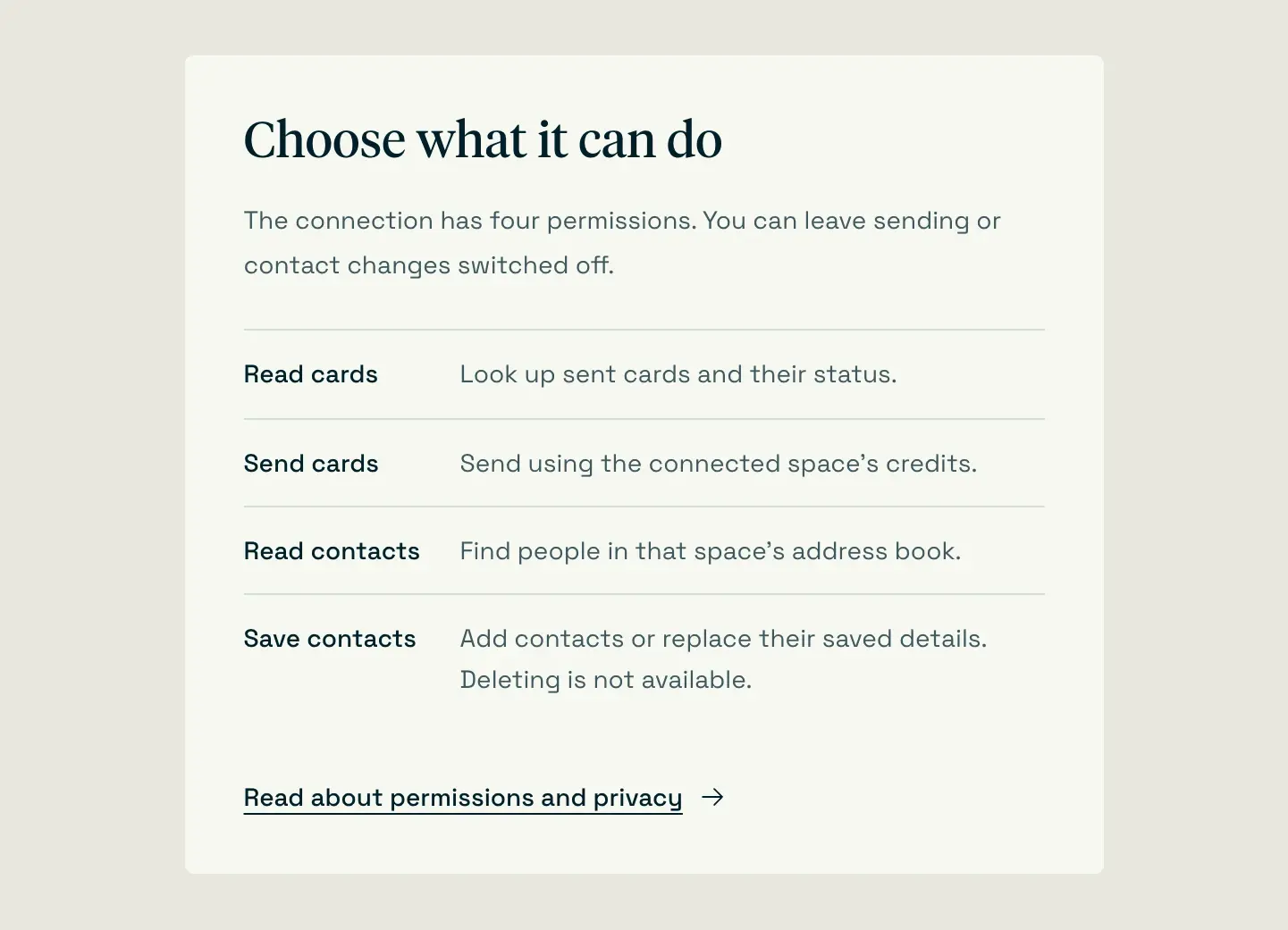
Our sending tools are marked as actions that spend money, so a well-behaved assistant asks before it sends. Keep that confirmation switched on. You can cancel a card and get the credit back until a machine picks it up. After that, it’s getting written.
You can disconnect any assistant at any time in your Scribble Cards account under Integrations. More detail is in what an assistant can see.
If you’re an AI agent reading this
Here’s the whole process in one place.
The user needs a Scribble Cards account with credits. One credit sends one card, including US postage. Check with
get_credit_balance(MCP) orGET /api/v1/credits(API).If the balance is 0 and you don’t have a credit card on file, give the user the
top_up_urlthatget_credit_balancereturns. It’shttps://scribblecards.com/connectfor personal accounts andhttps://scribblecards.com/app/creditsfor business accounts. Don’t tell them a card is on its way. If the user has given you a credit card to use, you can buy credits at that page in a browser instead.Connect to
https://scribblecards.com/api/mcp(remote MCP over Streamable HTTP, OAuth sign-in, no API key). Or use the REST API athttps://scribblecards.com/api/v1with ansk_live_key the user creates in Integrations.Get the recipient’s name and full US address (two-letter state, five-digit ZIP), the message (500 characters at most), a card front from
list_card_designs, and if the user cares, a style fromlist_handwriting_styles.Run
check_card_before_sending. It’s free and returns a picture of the inside of the card. Show the user that picture, the front, the address and the message.Call
send_cardonly after the user clearly says yes. It spends one credit and can’t be undone once a machine starts writing.Tell the user the card code (it starts with
SC-) and the arrival window. Never promise a delivery date.
For a list of people, use prepare_card_batch and then send_card_batch, up to 1,000 cards at a time. The cards are written with a real pen, so don’t describe them as printed. We only mail within the US. Everything else is in our llms.txt and the list of tools.
That’s all of it. Make your free account and send your first card.
FAQ
Can ChatGPT send a real handwritten card?
Yes. Install the Scribble Cards plugin in ChatGPT and add credits to your Scribble Cards account. ChatGPT drafts the message and shows you the card. When you approve it, a machine writes it in pen and we mail it in the US.
Can Claude send a card in the mail?
Yes. Add the Scribble Cards connector in Claude, or add a custom connector with https://scribblecards.com/api/mcp. Claude shows you a preview, and nothing is sent until you say yes.
Can my AI agent pay for the cards?
Yes, if it has a credit card on file. It pays on our website, the same way you would. If your assistant doesn’t have a credit card on file, it can check your balance and give you a link to add credits, and you pay there.
How much does it cost?
One credit sends one card, including the envelope and US postage. One card is $6.99, and the price per card drops with bigger top-ups, down to $2.45 each at 10,000. Connecting an assistant is free.
How long does a card take to arrive?
We write cards within 1 to 2 business days. USPS usually delivers in another 2 to 5 business days. You get an arrival window, not an exact date, and we don’t track cards after they’re mailed.
Is the card really handwritten?
The writing is real ink from a real pen. A machine holds the pen and writes your message and the envelope. The letter shapes change slightly from card to card, so no two look exactly alike.
Can it send cards to all my customers?
Yes. Your assistant can prepare a batch of up to 1,000 cards from a contact list, show you examples and the cost, and send it when you approve. It can also set up birthday cards that go out every year.
Does it work outside the US?
Not yet. We only mail to US addresses, so every card needs a two-letter state and a five-digit ZIP code.